Template:UI/posts library
Curated Posts directory page. Drop
News
Updates and announcements from across the community.
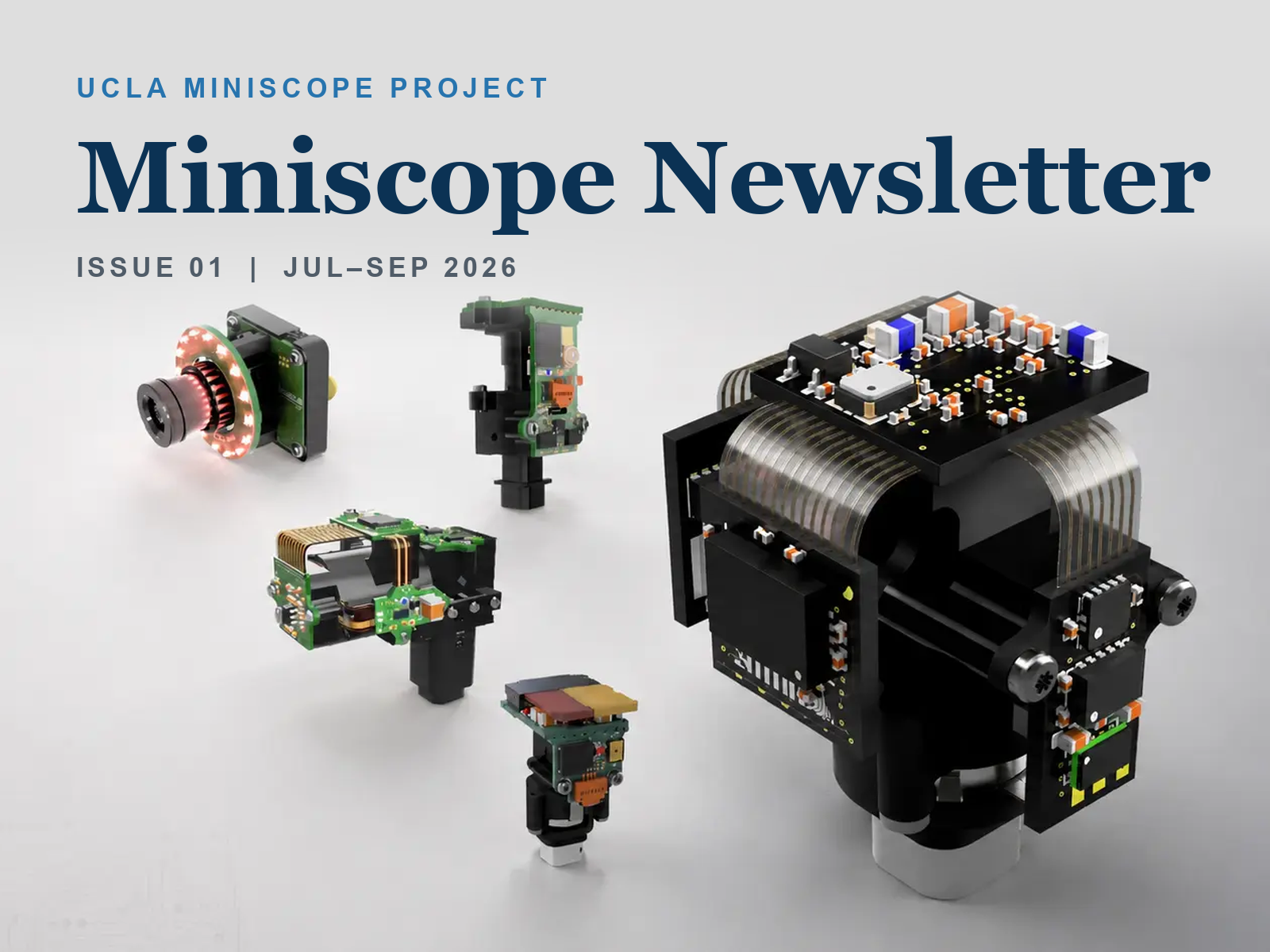 The new Miniscope wiki, the Miniscope Zero preprint, DAQ Software v2.0, and a recap of this summer's three workshops.
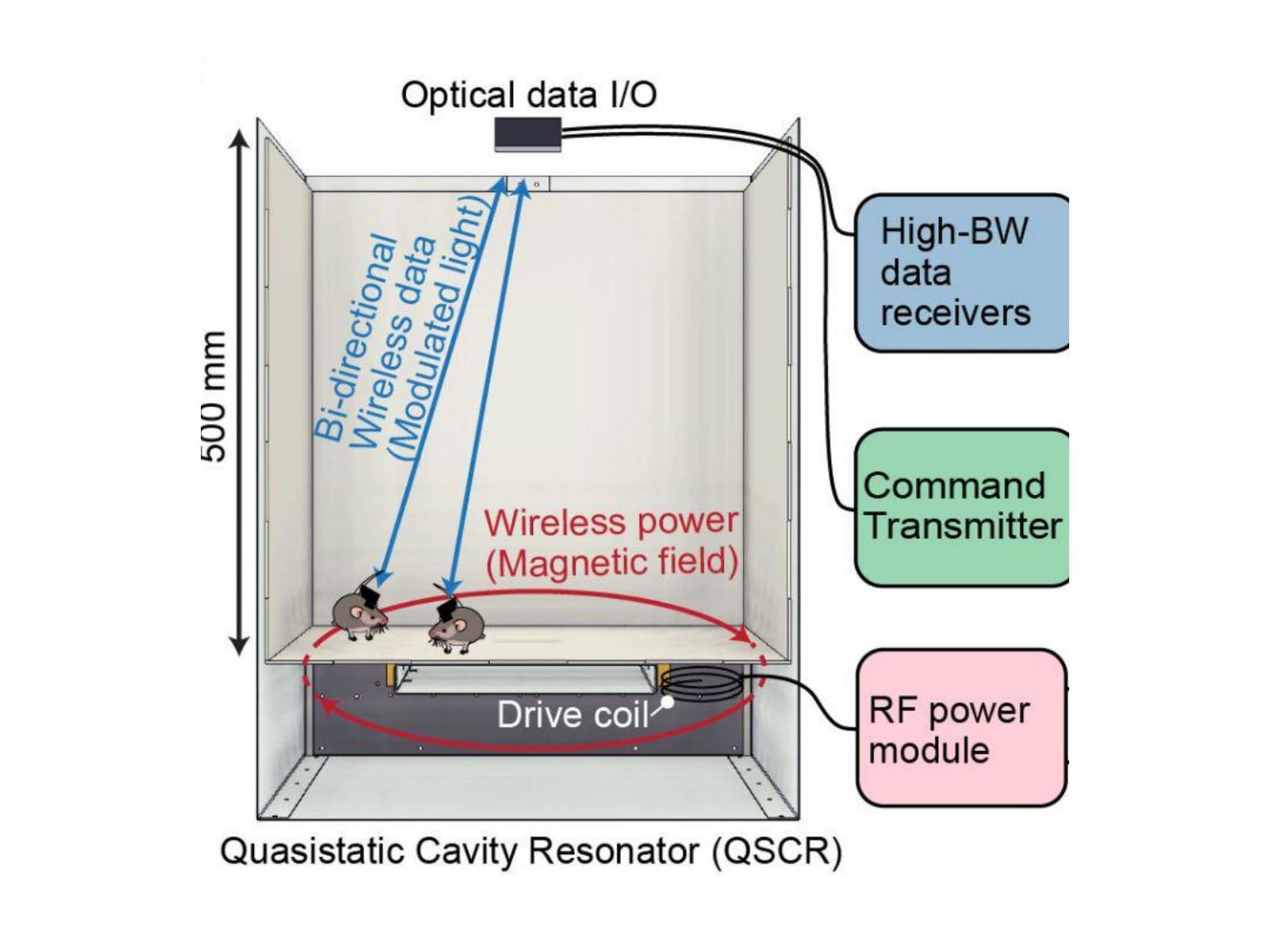 Miniscope Zero is now on bioRxiv: a fully wireless miniature microscope that combines wireless power delivery with a live optical data link, streaming single-cell-resolution calcium imaging from freely behaving mice with no tether and no large onboard battery.
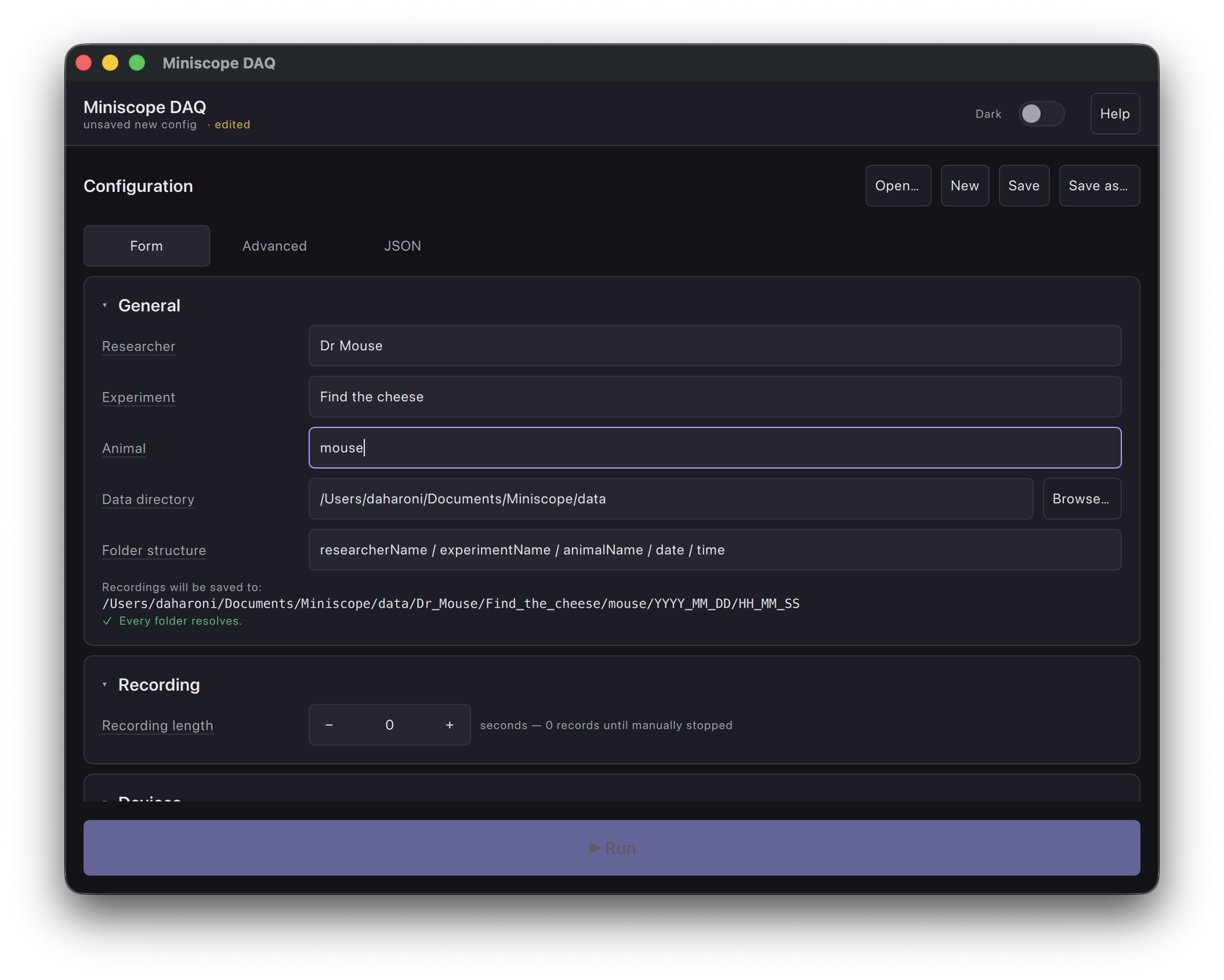 The Miniscope DAQ desktop software gets its first major release of the Qt 6 generation — an all-new single-window interface, packaged builds for Windows, Linux, and macOS, built-in commutator control, and recordings you can trust.



into a content page (e.g. the wiki's News page) to render
a directory of every page in Category:Post, newest first.
Renders, top to bottom:
- Header — h1 title + lead paragraph.
- Post cards — every post in Category:Post sorted by
 Has date descending, rendered as a responsive card grid via
 Template:UI/posts_library/entry.
Each card carries the post's hero image (Has card image, or a flat gradient fallback for posts without one), the title (linked), a date · author meta line, and a 3-line-clamped description teaser.
Why card grid rather than rows
Posts are visual by design — the whole point of the hero image is a news-feed lede. A card grid lets each post show its image and lets the eye sweep for the item it wants. The trade-off (uniform card height requires clamping the description) is acceptable because the full description still renders on the post page's masthead.
Sort order
sort=Has date | order=desc — newest posts first, the
expected reading order for a news/announcements stream.
Parameters (all optional)
heading— page heading (default: "News"). Empty string
suppresses the <h1>.
lead— short intro paragraph below the heading
(default: a generic explainer).
limit— how many posts to load (default: 50).
Cross-template dependencies
- Template:UI/posts_library/entry — card partial.